Experience and Design for Digital Products
I help digital products stop being confusing and start making sense to actual humans.
— A baseline for digital products
Websites, Apps and digital Tools are an integral part of everyday life. That’s why they should be simple, quick and intuitive to use.
I help make that happen.
Get's the job done
Users need to make decisions, complete tasks, and move through processes, at work and in their daily life.
My focus lies on designing tools that are clear, fast, and easy to use in real-world contexts, from apps to SaaS to platforms to transactional flows.
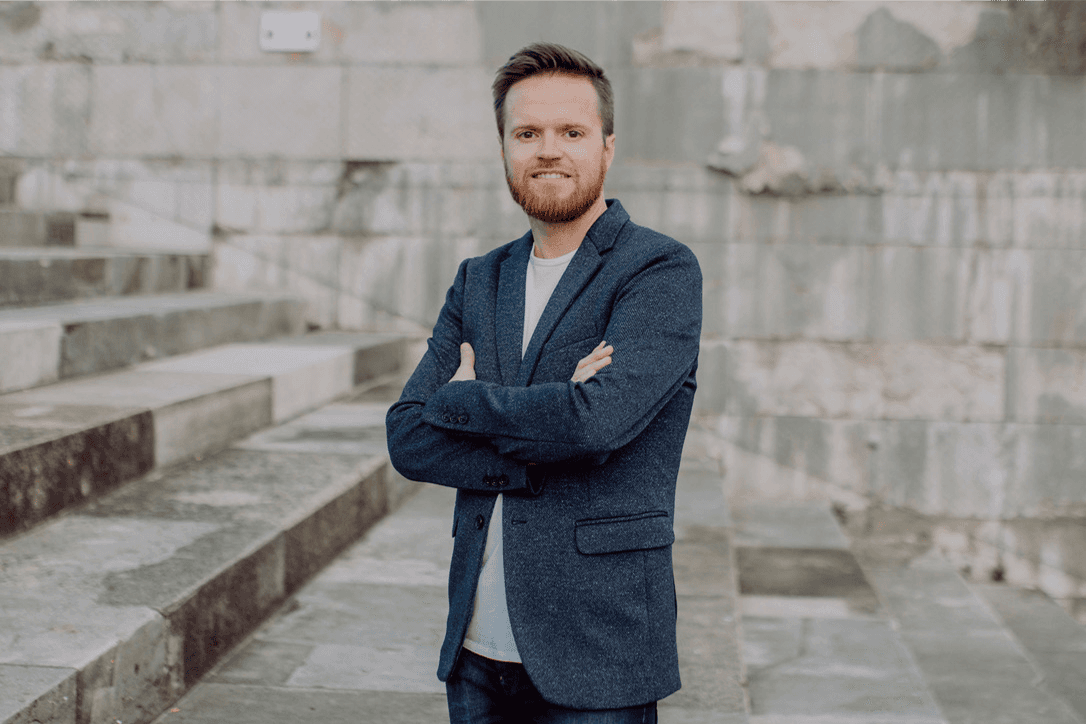
Servus*, i’m Manuel.
I’m based in Nuremberg, Germany. When i don’t design things, i mostly ride my bikes or hang around in coffee shops.
I currently work for adesso DX with clients across europe. I speak German, English and a bit of Italian.
*That’s how you say Hi in Southern Germany, Austria and South Tyrol.
User Experience Design
User flows need to make sense – not just for power users, but for anyone who uses a product. It’s about reducing friction, cutting out confusion, and making sure users actually get where they’re going, smoothly.
Good UX is what turns “I don’t get it” into “I got this.”
Interface Design
Good design isn’t just aesthetics. It’s function, hierarchy, rhythm, trust. It’s what turns “we have an app” into “people actually use our app.” I’ve got a background in visual design and art direction, which means I care about how things look. But only if they also work.
UX Writing
Users don’t read texts. Still, no interface works without them. Labels, buttons, and messages guide users, clarify actions, and set expectations. It’s the layer of the product that makes it understandable, consistent, and easy to trust.
— What i do
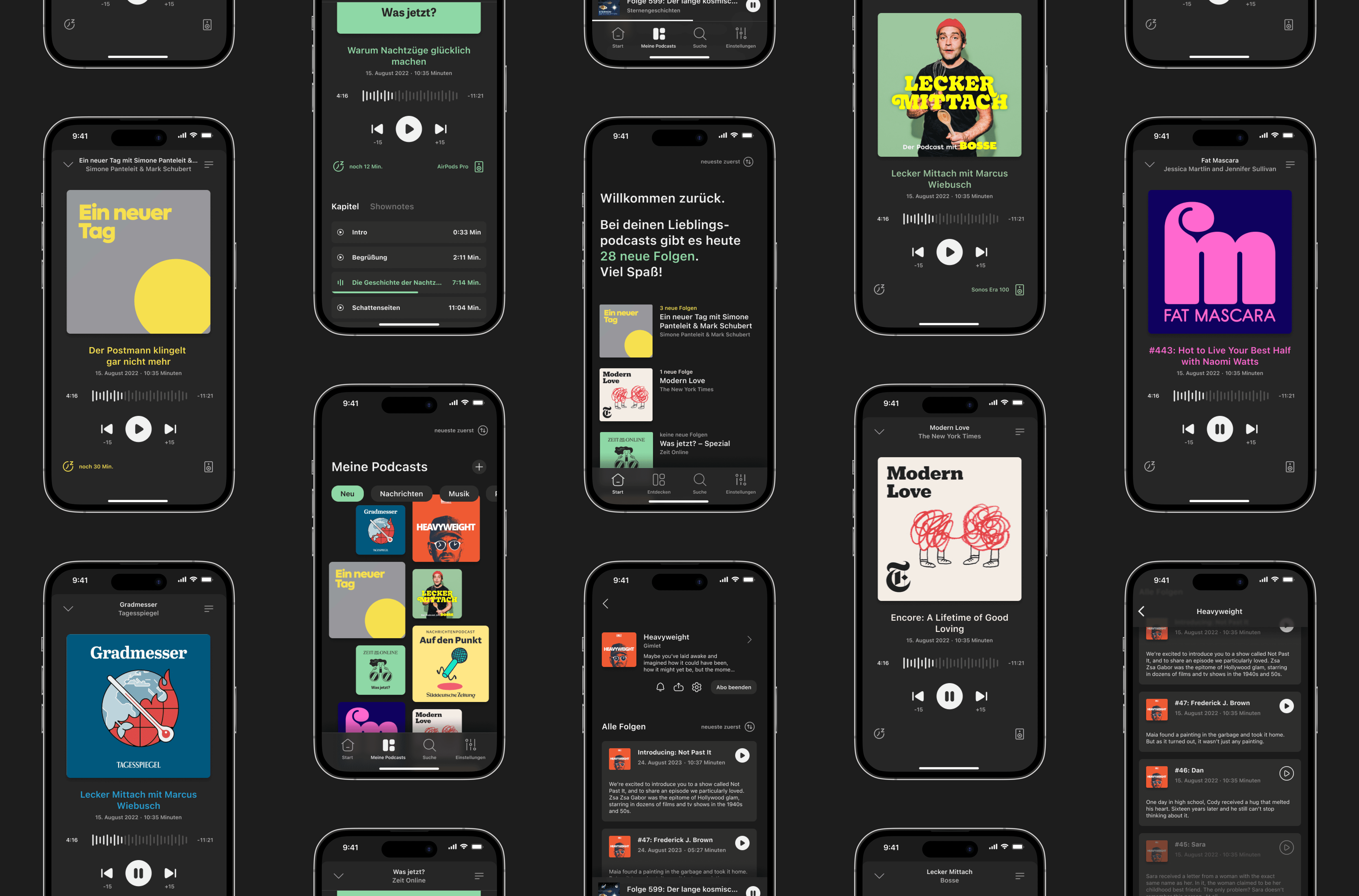
Pody App, iOS
UX Design is Methodical
While no two projects are the same and the design process is never just linear, UX design offers a methodical approach to navigating complexity. It helps structure thinking, align teams, and turn insights into intentional decisions.
In practice, this comes down to clearly defining the problem space before moving into solution development. Two steps that shape much of the Workflow.
Problem Statement
The core challenge to be addressed is grounded in user needs and contextual insights. By framing the problem concisely, a problem statement aligns the team on what actually matters before jumping into solutions.
Focusing on the underlying “why” behind a task or friction point keeps the process anchored in real user value.
Solution Design
A well-defined problem can be translated into concepts and interactions. By exploring and iterating on possible solutions, ideas become testable and open to validation.
This step focuses on how a problem can be solved effectively, balancing user needs, business goals, and technical constraints while moving from abstract thinking to concrete design decisions.
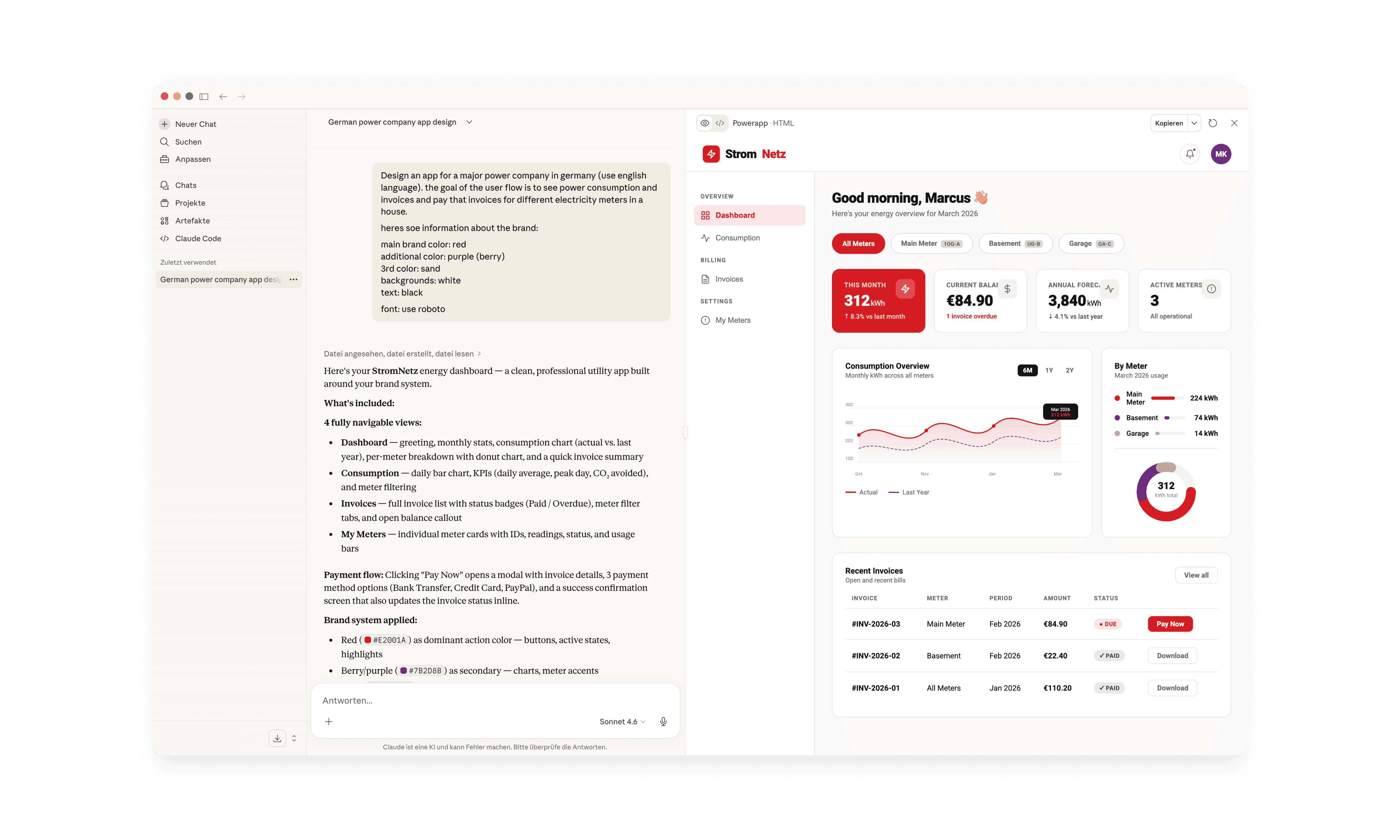
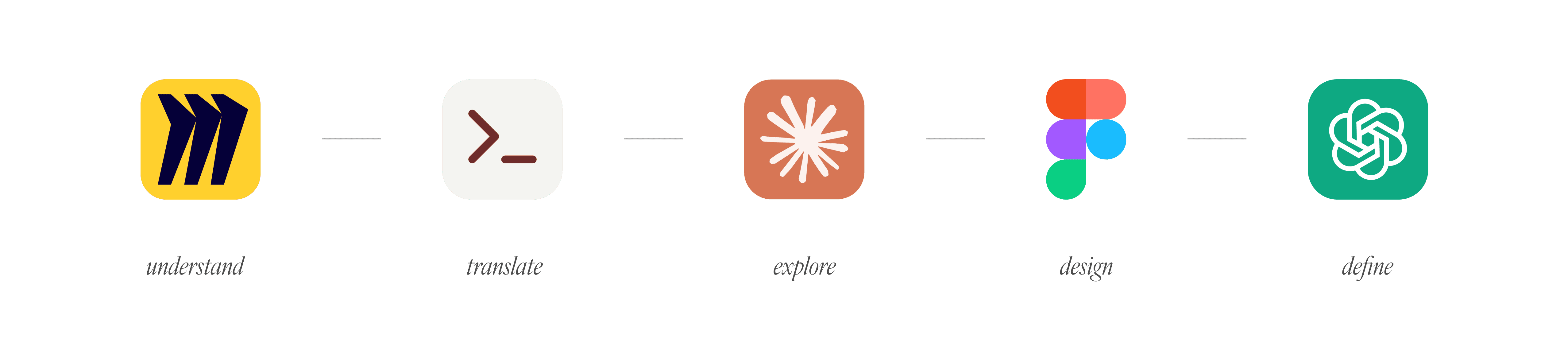
Start with the Prototype: AI-Driven Design Workflow